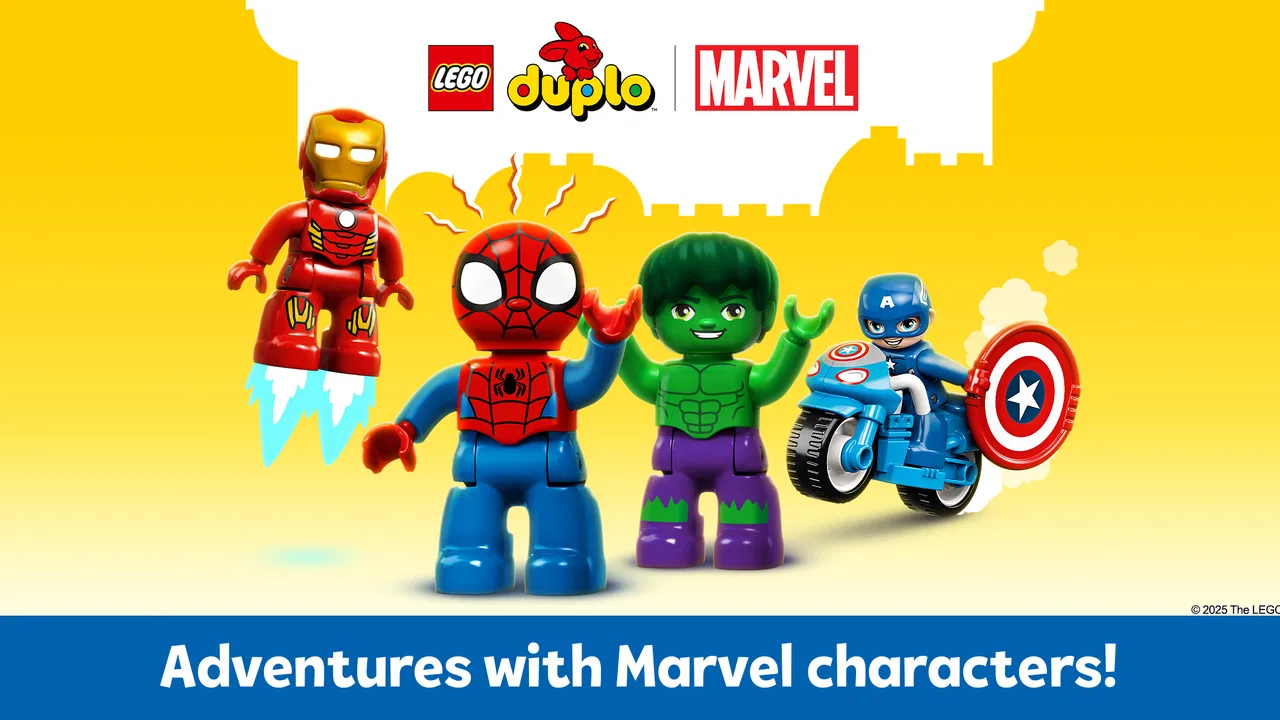
LEGO® DUPLO® Marvel
- 4.3
- Rating
- 10.00M
- Installs
- Free
- Price

 Analysis by App-foxy
I approached LEGO® DUPLO® Marvel as a parent might: not just asking whether a child can enjoy it, but whether the app feels understandable and manageable during ordinary family use. StoryToys has built this free educational app around LEGO DUPLO play and Marvel characters, with Spider-Man at the center of its appeal. It is aimed at Everyone, works on devices running Android 6.0 or later, and has reached over ten million installs. Those details suggest a broad audience, but they do not automatically make it suitable for every child or every household.
My main impression is that this is a guided digital play space rather than a serious learning course. It gives younger children a colorful way to interact with familiar characters, simple activities, and LEGO-inspired situations. I can imagine opening it on a tablet while a child waits at a restaurant or settling into a short play session before bedtime. At the same time, I would not treat it as a replacement for physical DUPLO bricks, shared reading, or an app designed around a specific school skill.
What the Marvel setting adds to early learning
The strongest reason to try this app is motivation. A child who already recognizes Spider-Man or other Marvel characters may be more willing to explore an activity here than an anonymous alphabet or number exercise. That familiarity gives the app an immediate starting point, especially for children who are still deciding whether a new educational activity deserves their attention.
You May Also Like

 Blood Strike: 2.5 Anniversary
Blood Strike’s Loadouts Turn Every Drop Into a Tactical Gamble
A close look at Blood Strike’s custom loadouts: how fast access to signature weapons reshapes its battle royale rhythm, rewards preparation, and narrows the gap between fights.

 Pandora - Music & Podcasts
Pandora’s Music Is Easy to Start, but Harder to Recover
Pandora’s strength is its low-effort path from a seed to a station. Its weak spot is how much confidence it asks you to place in connection, setup, and quiet recovery.

 8 Ball Pool
 Is Built on Rivalries, Rematches, and Routine
A close look at the rivalries, rematches, shared routines, and unanswered safety questions that turn a quick pool match into a persistent mobile community.

 Samsung Music
’s Quiet Strength Is Playing What You Already Own
Its reach comes less from spectacle than from dependable access to a personal library. That simplicity is both the app’s strongest retention engine and its ceiling.

 AccuWeather: Weather Radar
AccuWeather Review: A Quick, Clear Forecast for Everyday Decisions
For everyday plans, the best forecast is the one you can understand quickly. AccuWeather makes rain timing, radar, and local conditions easy to act on, with a few trade-offs.

 Hill Climb Racing
Why Hill Climb Racing Still Turns Crashes Into One More Run
A tiny car, a bumpy hill and one more upgrade: Hill Climb Racing keeps resurfacing because its simple chaos makes every near-miss feel personal.
More From Our News Desk



In my experience, the LEGO DUPLO identity also matters. The visual language is softer and more approachable than a typical action-focused superhero game. The combination of large shapes, recognizable characters, and playful construction themes fits the preschool audience better than a fast combat game would. The Marvel license supplies excitement, while the DUPLO presentation keeps the tone closer to imaginative play.
That balance is useful for short sessions. A child can feel as though they are entering a superhero world without needing to understand complicated controls, long storylines, or competitive rules. I would especially consider it for a child who enjoys role-play and building toys but becomes frustrated by apps that expect reading or precise tapping.
The educational value is best understood as informal learning. Children can practise attention, following a sequence, recognizing visual relationships, and making simple choices while interacting with the scenes. Those are worthwhile abilities, but parents should keep expectations realistic. This is not the kind of app I would choose when I need structured phonics, arithmetic progression, handwriting practice, or a clear lesson record.
A practical session with a young child
Imagine a rainy afternoon when a child has already played with physical bricks and wants something different. I would sit nearby for the first session, let the child choose where to begin, and ask them to describe what Spider-Man or another character is doing. That small conversation changes the experience from passive screen time into shared storytelling. The child is not only tapping; they are explaining, predicting, and connecting the digital scene with familiar toy play.
For a shorter unsupervised moment, I would choose the app only after checking it myself. Young children often tap quickly and may move through screens before understanding what they are doing. A brief adult introduction can prevent confusion and makes it easier to notice whether the activities are genuinely enjoyable or simply visually attractive.
One useful routine is to end the session with an offline challenge: ask the child to build a vehicle, character setting, or rescue scene with their own DUPLO bricks. The app then becomes a prompt for imagination rather than the entire activity. This is one of the better ways to make its superhero theme support creative play instead of replacing it.
How it feels beside ordinary alternatives
Compared with a generic early-learning app, this one has a clearer emotional hook. Many educational apps lead with letters, numbers, colors, or puzzles. Those can be better choices when a parent wants measurable practice in one narrow area. LEGO DUPLO Marvel is more suitable when the goal is to encourage exploration and keep a young child interested through characters and play.
Compared with a standard superhero game, it is a gentler option for younger users. The DUPLO presentation makes it feel less dependent on reflexes, combat, or complicated mission systems. A child looking for intense action may find it too simple, but that simplicity is precisely why it can work for preschool-age play.
It also differs from physical LEGO DUPLO in an important way: the app offers convenience and animation, while real bricks offer touch, spatial resistance, and open-ended construction. I would not choose between them as if one were a complete substitute for the other. The best use is complementary. Digital scenes can inspire a building idea, and physical play can give the child a break from the screen.
Families should also understand the commercial model before handing over the device. The app is free to install, but its in-app purchases range from $3.99 to $39.99 per item. That is a meaningful difference between trying the app and unlocking or extending the experience. I would inspect the available purchase choices before a child uses it, particularly on a shared device.
Trust, controls, and moments that deserve attention
When I review an app for children, I separate what I can see during use from what I might be tempted to assume. A familiar brand can create confidence, but Marvel and LEGO branding are not a substitute for checking the app’s actual choices on the device. I would pay attention to every screen that leads away from play, especially anything connected with purchases, external destinations, account activity, or settings.
Because the developer is StoryToys and the app has a large audience, it is easy to approach it as an established children’s product. Still, my practical advice is the same as with any child-focused app: an adult should open it first, explore the menus, and decide whether the visible controls fit the family’s rules. That initial check is more useful than relying on the character license alone.
What I would check before a child plays
I would begin by looking for purchase prompts and seeing how clearly they are separated from ordinary play. Since the app is free but includes paid items, I would make sure the child knows which taps are part of the activity and which ones require an adult. On a family tablet, I would also review the device’s purchase authentication so an accidental tap cannot become an unwanted transaction.
I would then look at any account-related screens. If the app presents a sign-in request, I would decide whether it is necessary for the way my family plans to use the app. I would not enter a child’s personal details simply to make a casual play session feel more complete. If an account is useful for a particular function, I would create or manage it myself and keep the child away from those settings.
The same approach applies to permissions and data choices. I would read the permission prompts rather than approving them automatically, and I would notice whether the app gives a clear explanation at the moment a choice appears. If a permission seems unrelated to the play experience, I would pause and investigate through the device settings or the developer’s own documentation before continuing.
This is not about treating the app as suspicious. It is about keeping the adult in charge of decisions that a young child cannot evaluate. A child can choose a character or activity; an adult should handle purchases, accounts, permissions, and any sharing decision.
Data-sensitive moments in everyday use
The most sensitive moments are usually not the colorful activities themselves. They are the transitions: first launch, purchase screens, account prompts, permission requests, and any option that appears to connect the app with another service. Those are the points where I would slow down and read instead of tapping through.
I would also be careful when the app is used on a device shared by siblings. A child may assume that a saved choice, purchase, or profile belongs only to them, while the tablet may apply it more broadly. Before allowing independent play, I would check whether the device’s user profile, store account, and parental controls are set up for the child who will use the app.
Another practical issue is the social setting. If a child is playing in a public place, I would avoid letting them announce names, locations, or family details while interacting with any voice or sharing feature that might appear. I am not claiming that the app requires such information; I am saying that children often volunteer personal details when adults are not listening. Keeping the session local and supervised is a sensible habit.
For families with strict screen-time routines, I would use the device’s own limits rather than expecting the app to manage the whole routine. A timer, a visible end point, and a clear transition to physical play work better than repeatedly asking a child to stop in the middle of an exciting superhero moment.
Keeping the user in control
My preferred setup is simple: the adult installs and opens the app, checks the available areas, reviews the purchase path, and establishes the rules before the child starts exploring. I would explain that the free download does not mean every part is automatically included. That conversation is easier before a child becomes attached to a particular locked activity.
I would also make the first few sessions collaborative. Sitting beside the child reveals whether the controls are intuitive, whether the pacing suits them, and whether they are repeatedly drawn toward purchase-related screens. It gives the adult a chance to teach the difference between choosing an activity and changing an account or store setting.
One advanced but practical habit is to keep a small note of which activities the child actually returns to. If the child only enjoys one narrow type of interaction, paying for additional content may not improve the experience. The free portion can serve as a trial of the app’s style, not merely as a preview to rush through.
I would skip this app if my priority were a fully structured curriculum, detailed progress reports, or an entirely offline learning tool. I would also hesitate if the child is likely to become upset by character-based excitement but has difficulty stopping. In those situations, a calmer puzzle app, a physical activity, or a focused educational program may be a better fit.
Performance, compatibility, and expectations
The app requires Android 6.0 or later, so compatibility should be checked before installation on an older tablet. Its current version is 21.1, which is useful context when troubleshooting: I would first confirm that the device meets the operating-system requirement and that the app is updated before assuming a problem is caused by the content itself.
I would also leave room for the practical demands of a child-friendly visual app. A larger display is generally more comfortable for small hands than a phone, and a stable home connection makes initial setup and updates less frustrating. I would not hand a child a phone with distracting notifications and expect the experience to feel as focused as a tablet prepared specifically for play.
The audience response is encouraging without making the app universally ideal. It holds an average rating of 4.2 from around fifty-six thousand ratings, alongside hundreds of written reviews. That level of adoption tells me many families find the concept worthwhile, but it does not answer the personal questions that matter most: whether the child likes this style of play, whether the purchase model suits the household, and whether the adult is comfortable with the visible controls.
My cautious recommendation
I would recommend LEGO DUPLO Marvel as a supervised, character-led activity for young children who already enjoy Marvel, LEGO, or imaginative rescue stories. Its greatest strength is the bridge it creates between a familiar toy world and a simple digital experience. It can fill a short waiting period, spark a building idea, or give a child a gentle introduction to interactive educational play.
I would not present it as a complete learning solution, and I would not install it on a child’s device without checking the purchase and account pathways first. The free entry point is appealing, but the in-app purchase range means families should decide in advance what, if anything, they are willing to buy. Clear adult supervision also matters during the first sessions, when the child is learning both the app and the boundaries around it.
StoryToys has chosen a sensible audience and a strong combination of brands, but the app’s value depends on how it is used. If you treat it as a short creative prompt and pair it with conversation or physical DUPLO play, I think it has a convincing place in a family’s app collection. If you need precise academic instruction, deep construction freedom, or no purchase decisions at all, I would choose a different type of educational app.
My final verdict is cautiously positive: try it as a shared play experience, not as an unattended digital babysitter. Let the child enjoy the Marvel setting, while the adult keeps control of purchases, permissions, account decisions, and session length. That balance brings out what this app does well without asking it to be something it was never designed to be.
FAQs for LEGO® DUPLO® Marvel
01What age group is LEGO® DUPLO® Marvel suitable for?
LEGO® DUPLO® Marvel is designed for children aged 2 to 5 years. It features age-appropriate content that promotes creativity and learning through interactive storytelling and building challenges. The app provides a safe and engaging environment for young children to explore their favorite Marvel characters and develop early learning skills.
02Does LEGO® DUPLO® Marvel require an internet connection?
Yes, LEGO® DUPLO® Marvel requires an internet connection for downloading the app and accessing new content updates. However, once the app is installed and any updates are completed, certain features and activities can be enjoyed offline, making it convenient for travel or areas with limited connectivity.
03Are there in-app purchases in LEGO® DUPLO® Marvel?
LEGO® DUPLO® Marvel offers some in-app purchases to unlock additional content and features. While the basic version of the app includes several free activities, these optional purchases can enhance the experience by providing more characters and building challenges. Parental controls are available to manage or restrict purchase options.
04Is LEGO® DUPLO® Marvel educational?
Yes, LEGO® DUPLO® Marvel is designed with educational elements to aid in the development of young children. The app focuses on building skills such as problem-solving, creativity, and teamwork. Through interactive games and storytelling, children learn to follow instructions and use their imagination, all while having fun with Marvel superheroes.
05Can multiple children play LEGO® DUPLO® Marvel on the same device?
LEGO® DUPLO® Marvel allows multiple children to enjoy the app on the same device, although it is primarily designed for single-player use. Parents can set up different profiles if supported, enabling each child to have a personalized experience. This feature helps track progress and personalize content for each young learner.
Pros
- Engaging for young Marvel fans.
- Colorful graphics enhance play.
- Easy-to-use interface.
- Educational mini-games included.
- Promotes creativity and storytelling.
Cons
- Limited content without purchases.
- Requires internet for updates.
- Occasional in-app ads.
- May drain battery quickly.
- Not challenging for older kids.

LEGO® DUPLO® Marvel
Gallery